


Key Features of BIS HUB
Transform your experience with BIS HUB's main features.
Easy Login & Account Creation
Quickly log in and create your account using your student ID and password for seamless access to all features.

Explore features and benefits.
Experience innovation at hand.
Download and start using.
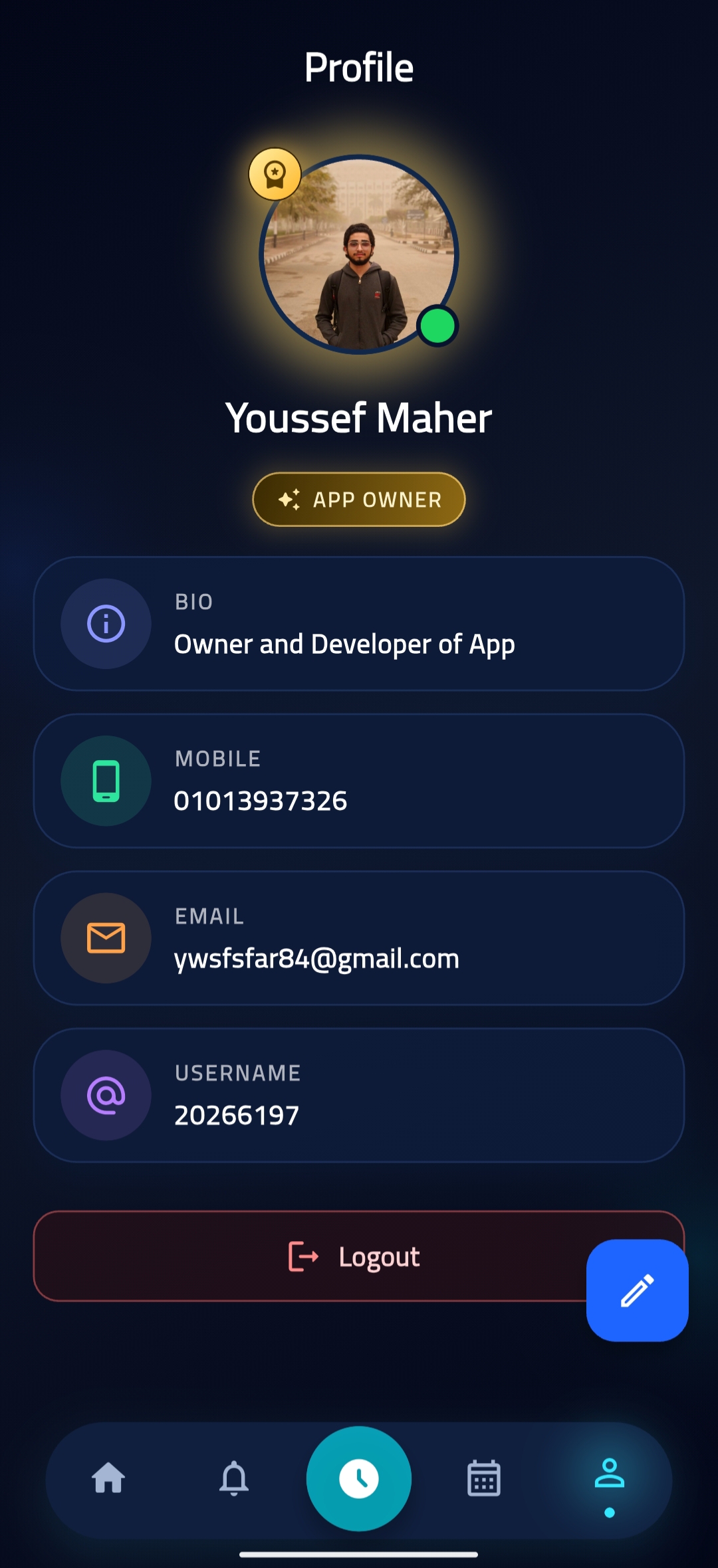
Customizable Profile
Personalize your profile with your name, email, mobile number, photo, and social media links to connect with peers.
Improved performance and stability.
Regular software updates.
Enhanced user experience.
Why choose BIS HUB
Streamline your life with BIS HUB today!

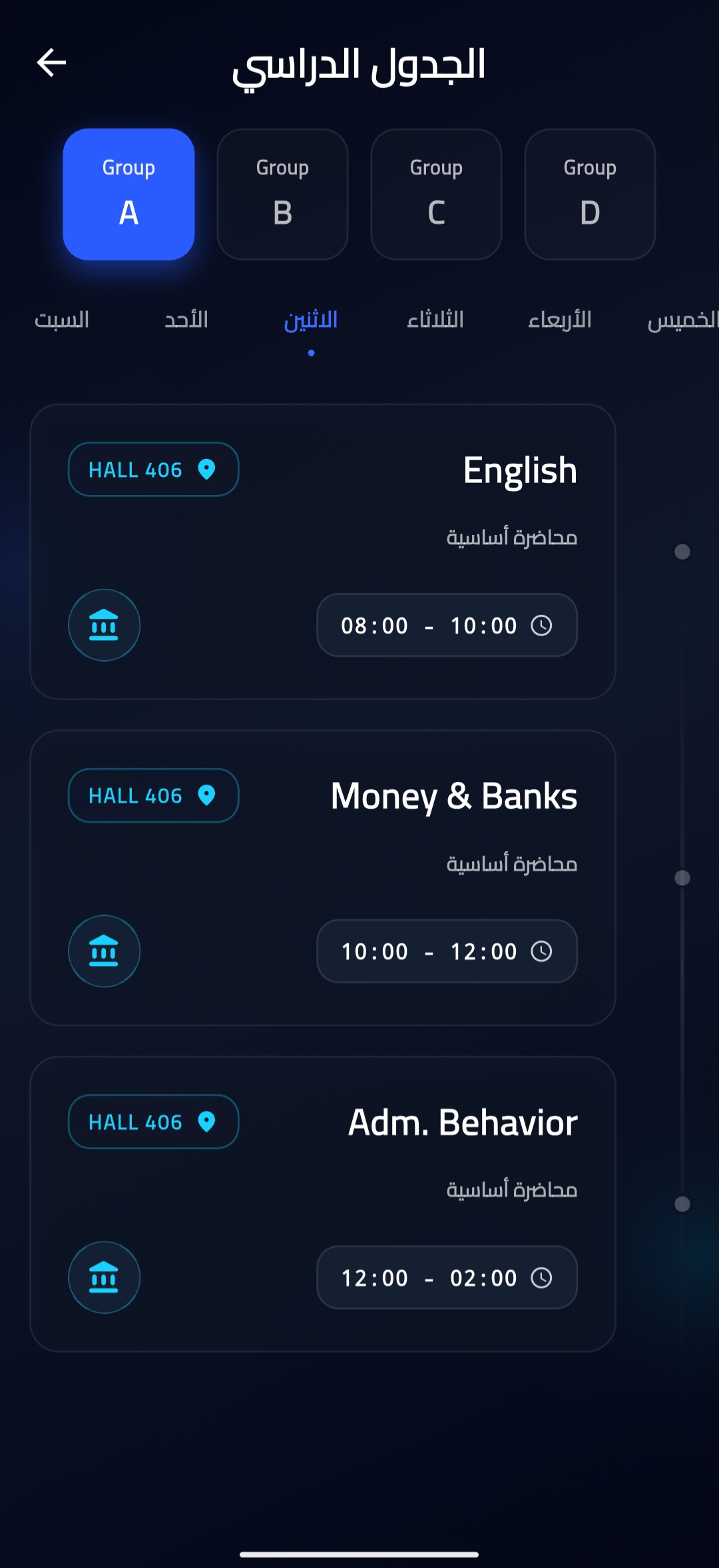
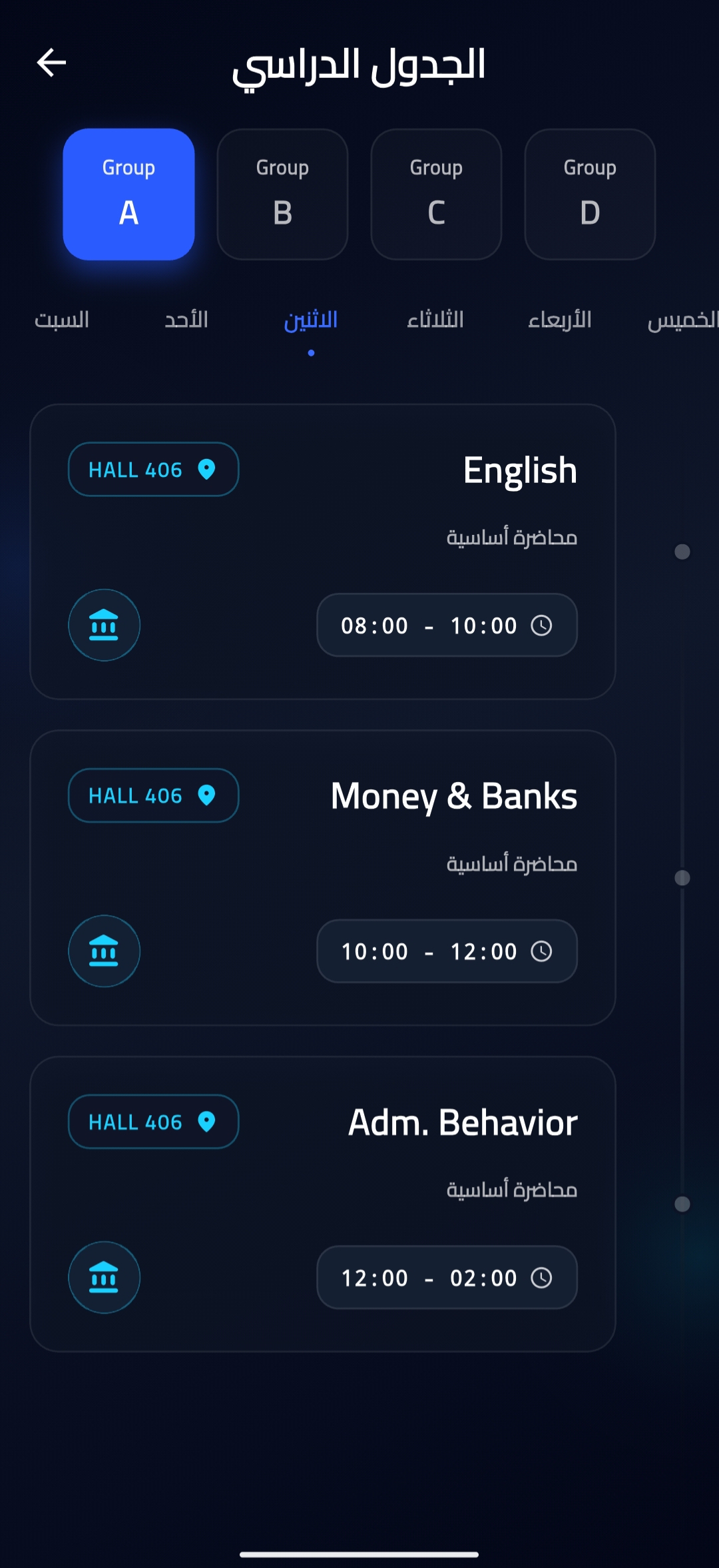
Organized Class Schedule
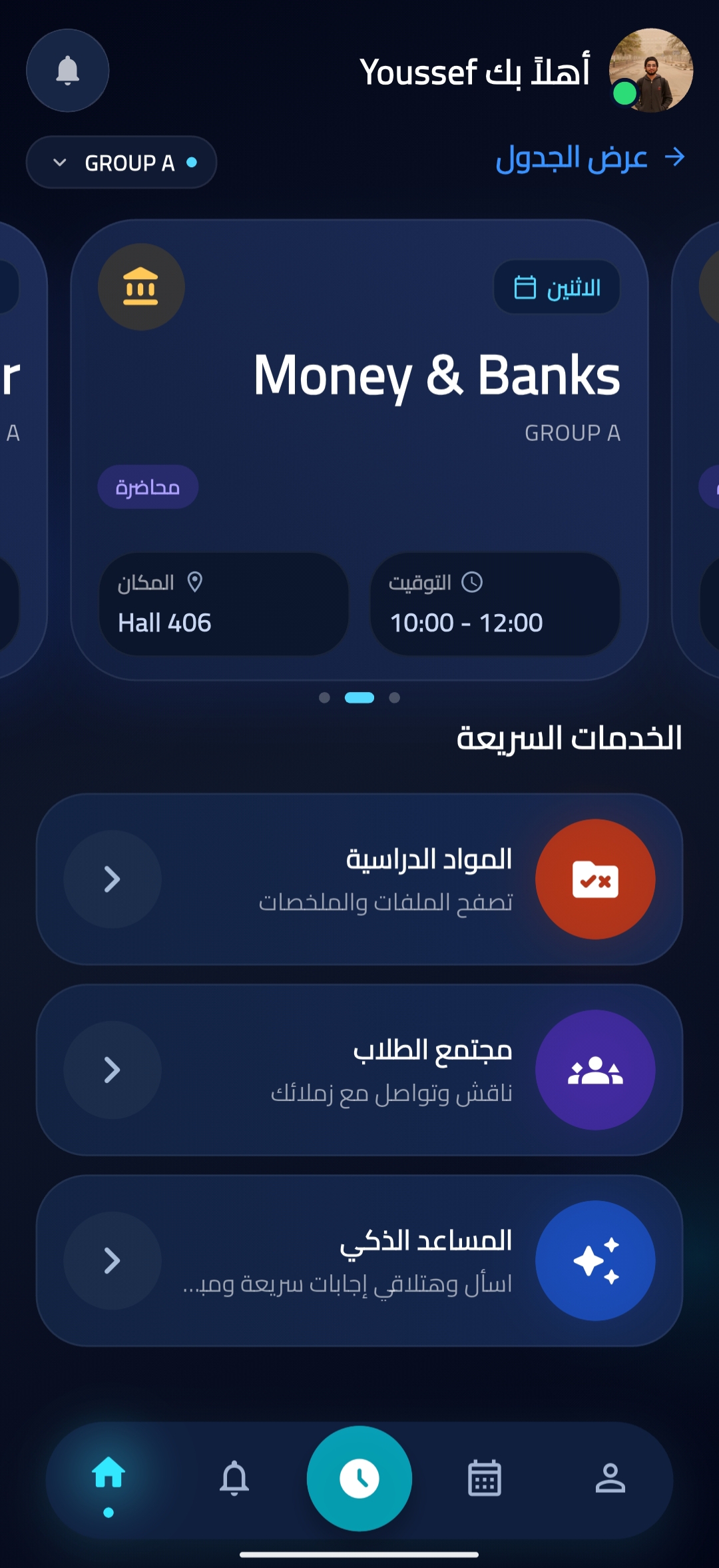
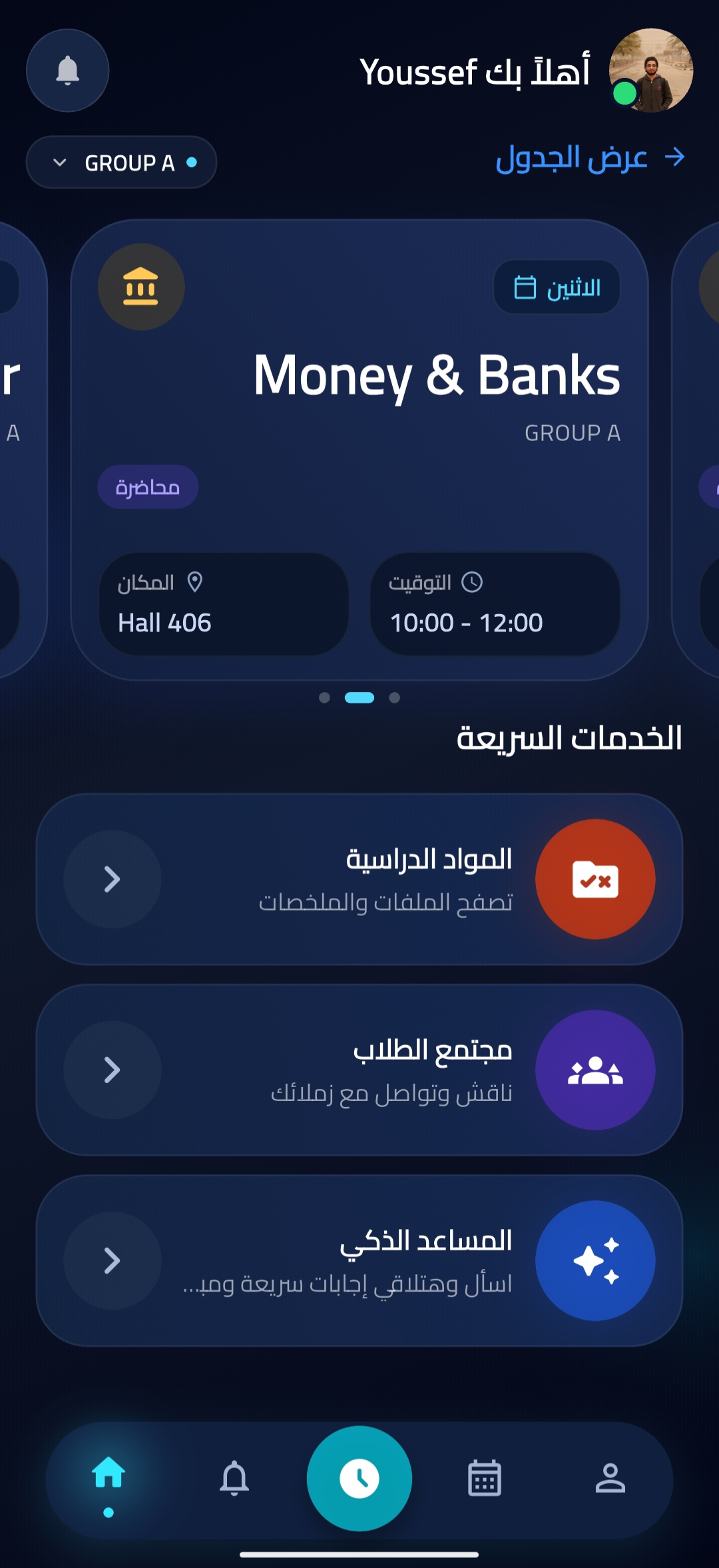
View your class schedule organized by day and group, with quick access to current and upcoming classes at a glance.

Course Materials Browser
Browse and access course materials by year, term, and subject, with the ability to open files directly from provided links.

Notes & Reservation System
View available study materials in the notes section and reserve them through a clear and simple request form.
Reviews about BIS HUB
Discover our users' feelings and comments.
Very good

Ahmed Abd Allah Sayed
Mar 28, 2026
FAQs about BIS HUB
Browse the most frequently asked questions that you may interested in.
What is BIS HUB and what does it offer?
BIS HUB is an educational app that offers students a comprehensive platform to manage their academic life. It provides features including easy login with student ID, customizable profiles, organized class schedules, access to course materials by year and subject, a notes section for reserving materials, an interactive student community with groups and posts, notifications, and a smart personal assistant for educational chat and content explanations.
How do I log in to BIS HUB?
You can easily log in and create an account using your student ID and password. The app is designed for straightforward access for registered students.
Can I customize my profile on BIS HUB?
Yes, BIS HUB offers customizable profiles where you can add your name, email, mobile number, photo, and social media links to personalize your account.
How can I access my course materials on BIS HUB?
You can browse course materials organized by year, term, and subject. The app allows you to open files directly from the provided links, making it easy to access your educational content.
What is the student community feature in BIS HUB?
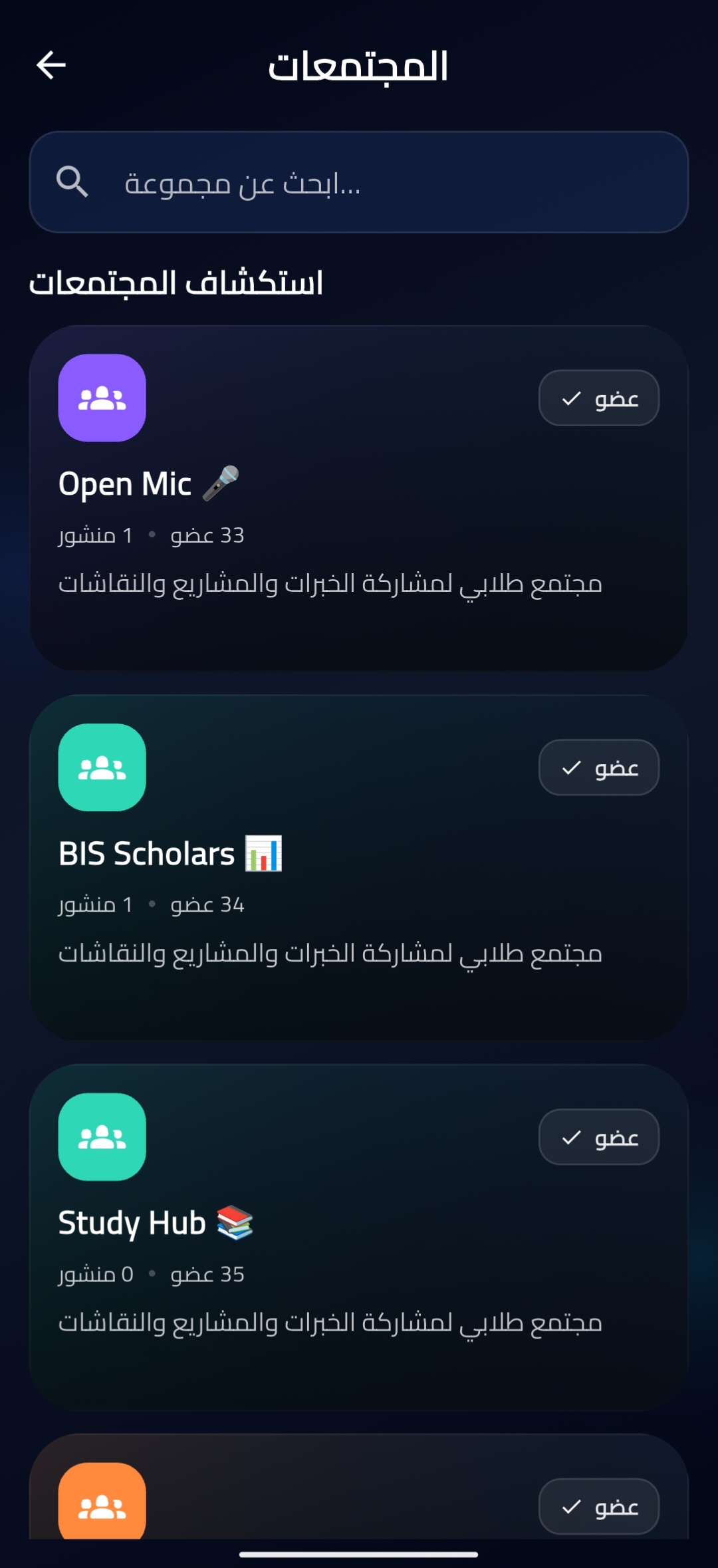
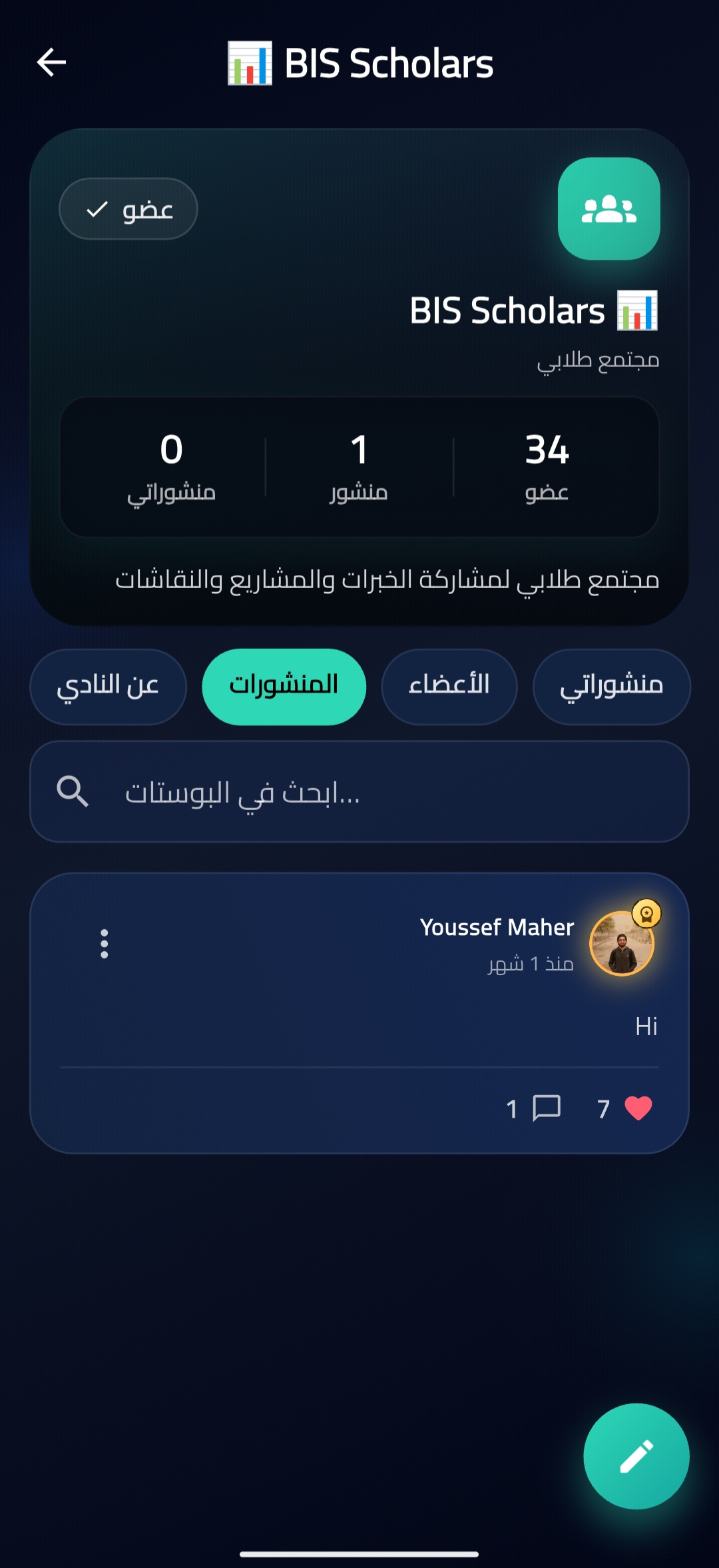
BIS HUB includes an interactive student community where you can join groups, post content, comment on posts, like content, and follow other members. This feature facilitates collaboration and networking among students.
How does the class schedule feature work?
The app provides an organized class schedule displayed by day and group, with a quick view of your current and upcoming classes, helping you stay on top of your academic timetable.
What is the smart personal assistant feature?
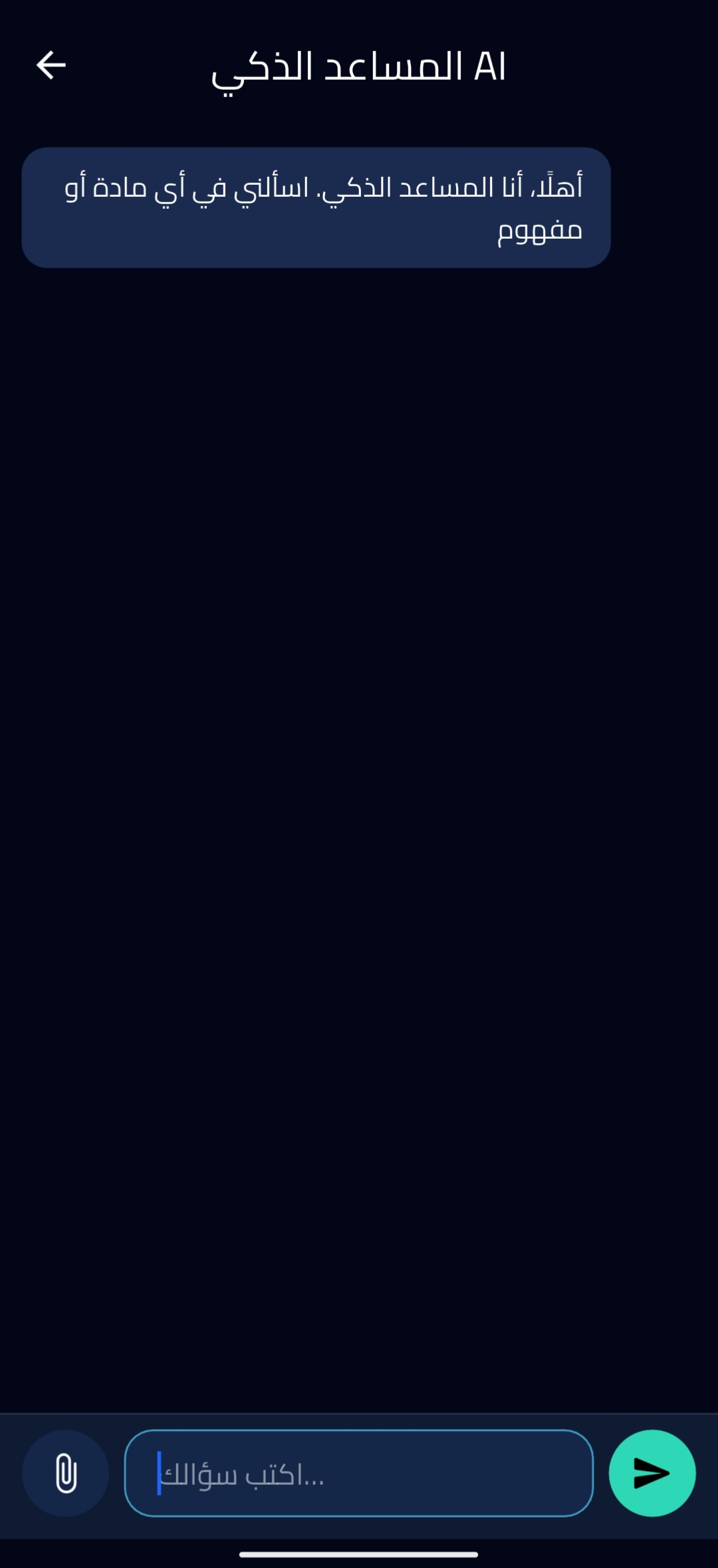
BIS HUB includes a smart personal assistant that provides educational chat support and clear explanations of content, helping students better understand their course materials.
How do I reserve notes or materials through BIS HUB?
The app has a dedicated notes section where you can view available materials and reserve them via a clear request form, making it easy to access the resources you need.
Start your BIS HUB today!
Enjoy your everyday with BIS HUB.
Let's keep in touch!
Subscribe to our newsletter for the latest news and updates.
By subscribing, you agree to BIS HUB Privacy Policy.